User Guide
Read this before you touch an adjuster
What preload actually does, what the two damping adjusters each do, what to check before any of it, and the order the whole thing goes in. There are no target numbers on this page, on purpose: the right ones depend on your bike and what it is carrying, and MotoSetGo holds them for your exact model. For the mechanics in more depth, that is a different page: suspension basics.
Three checks that come first
A clicker cannot fix something that was never a damping problem. Three things sit underneath every suspension setting, and all three are free to check. Riders skip them because they are boring, then spend a month chasing a fault that was one of them.
Tire pressure
Cold, from the figure on the motorcycle, not the maximum stamped on the sidewall. Wrong pressure mimics a suspension fault almost exactly.
What the bike is carrying
You, your gear, a passenger, luggage. The load decides what correct looks like, so a setup that was right solo is not right two up.
Worn or damaged parts
A leaking seal, a notchy steering head, tired linkage bearings. Tuning around a mechanical fault hides it rather than fixing it.
Your bike's page in the app carries its own cold pressure figures, front and rear, so you are checking against the maker's number rather than a rule of thumb from a forum.
Checking first is not the same as being most likely. Tire pressure is rarely the actual cause. It goes first because it costs nothing and it changes what everything else means, which is a different reason from likelihood, and the app scores it that way.
Preload, and what sag tells you
Preload sets ride height, not stiffness. It changes how far the spring is already squeezed when the bike is standing there, so it changes where the bike sits under you. It does not make the spring itself any harder. That one sentence is the most useful thing on this page, and it is the reason the app leads with preload rather than with a clicker.
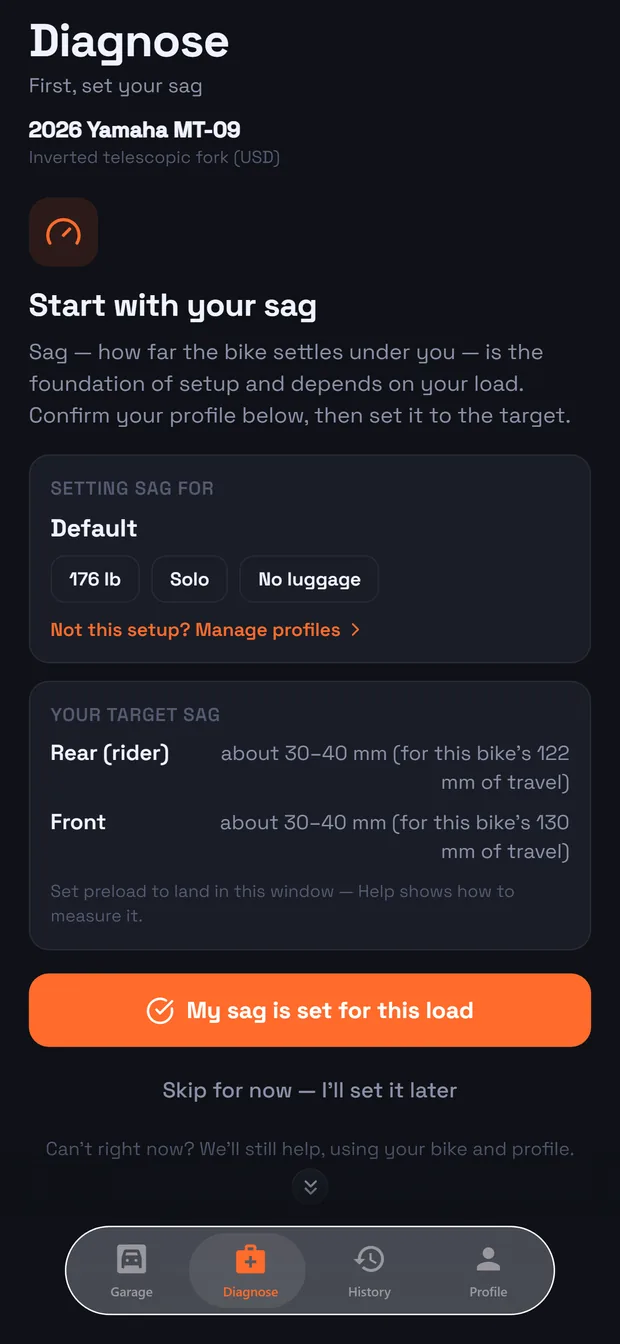
Sag is how you check it. Sag is how far the bike settles when you sit on it in your gear, and the useful way to think about it is as a budget: it is the distance the wheel still has to drop into a dip before the suspension runs out of extension. Set the bike too high and the wheel cannot follow the road down. Set it too low and the travel is gone before the bump is.
So preload is the adjustment and sag is the measurement that tells you whether you got it right. How to measure sag →
If you cannot land in the window at all, the spring is wrong for you. Preload cannot rescue a spring that is too soft or too stiff for your weight and load; it can only move where the bike sits. Reaching the end of the adjuster and still being outside the window is a spring answer, not a preload answer, and the app says so rather than sending you round again.
Rebound and compression
Springs hold the bike up. Damping decides how fast the suspension is allowed to move, and there are two directions to control. Most riders only ever need these two sentences:
Compression damping
How fast the suspension is allowed to squash down when the wheel is pushed up, or when you brake, or when the bike is loaded.
Rebound damping
How fast the suspension is allowed to push back out again once it has been compressed.
The two make different mistakes, and knowing which mistake you are feeling is most of the diagnosis. Too much compression is a single sharp hit arriving in your hands. Too much rebound only shows itself over repeated bumps, because the suspension never gets all the way back out between them and each bump starts lower than the last. That is why the app asks whether the road was one bad edge or a long rough stretch. More on both →
Clicks are not a unit. One click on your bike is not one click on anyone else's, and a number copied from a forum is a number for a different machine. What travels between bikes is the direction and the reason, which is what the app gives you.
The order it all goes in
Almost every setup that goes badly went badly because of order. Each step below changes what the next one means, so doing them out of sequence is not slower, it is misleading.
- Tires and pressure. Cold, to your bike's own figure.
- Decide what the bike is carrying. Solo, two up, loaded for a week away.
- Preload, checked by sag. Front and rear, in your gear, for that load.
- Then damping. One adjuster, one direction, one ride.
Nothing above is optional and nothing above is a formality. A damping change made on top of a bike sitting at the wrong height is a real change with a misleading result, and it will send you further away while feeling like progress.
Change the load, and you are back at step three. Adding a passenger and luggage moves the bike down through its travel before you have touched anything, so the setup that was right yesterday is describing a different motorcycle today.
Your numbers are yours
A sag window depends on how much travel your bike has, and what counts as correct depends on your weight, your gear and whether anyone is on the back. That is why no figure is printed here: it would be right for somebody and quietly wrong for you, and a printed number is the kind a rider obeys.
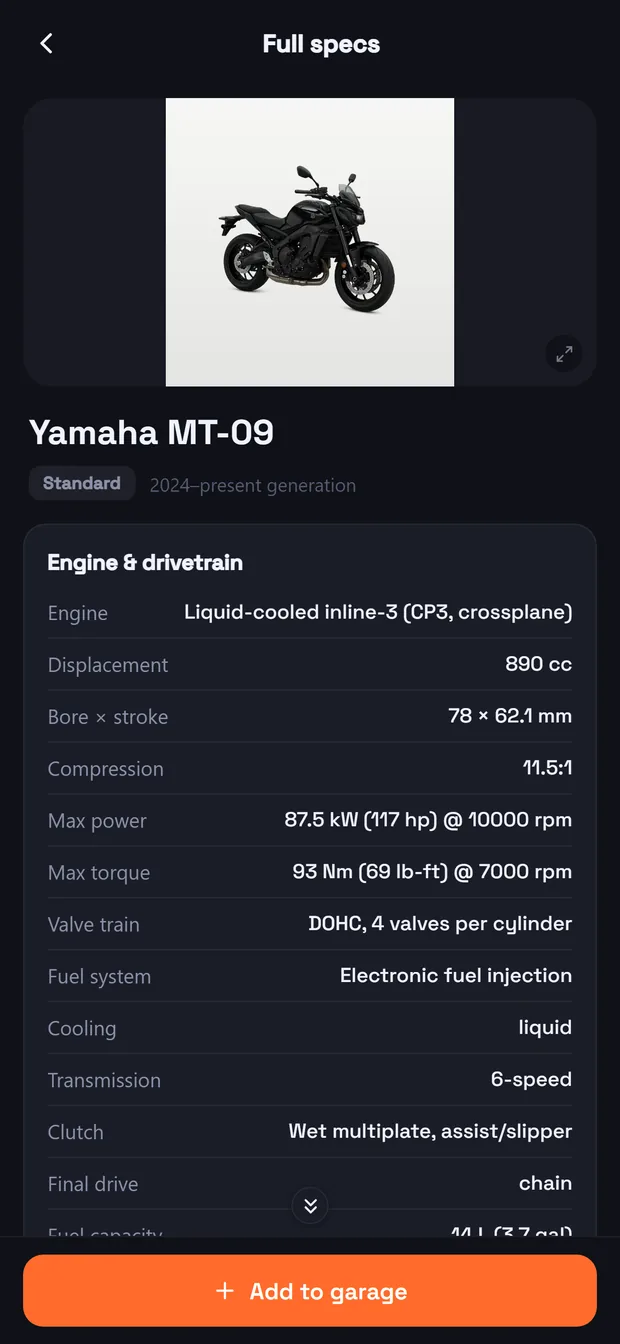
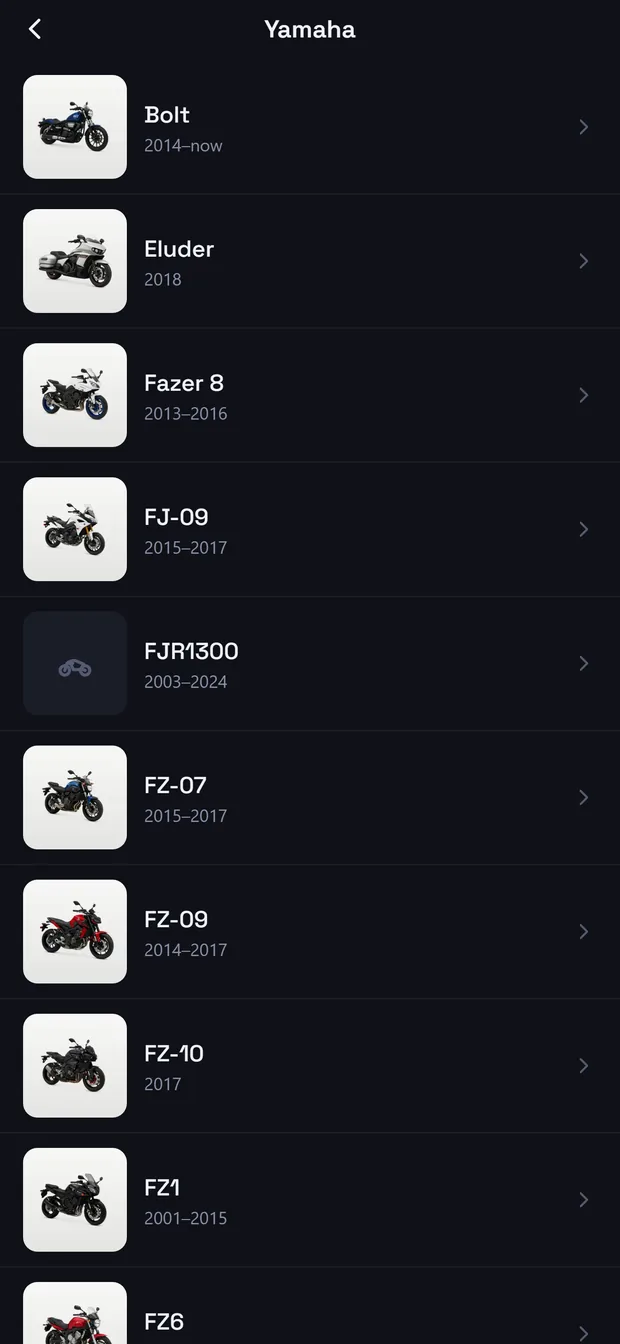
So the numbers live where they can be worked out for the actual machine. Pick your make, then your model, then your version, and the app carries that bike's adjusters, its cold pressures and its sag window. Add a rider profile with your weight and load, and the window becomes yours rather than the catalogue's.
Getting the version right matters more than it sounds. It usually decides which adjusters exist at all, and it is what stops the app recommending a screw your bike does not have.
Where our figures and your owner's manual disagree, follow the manual. Adjuster ranges and cold pressures especially. The manual is the maker talking about your exact bike, and it outranks us.
Say what the bike is doing
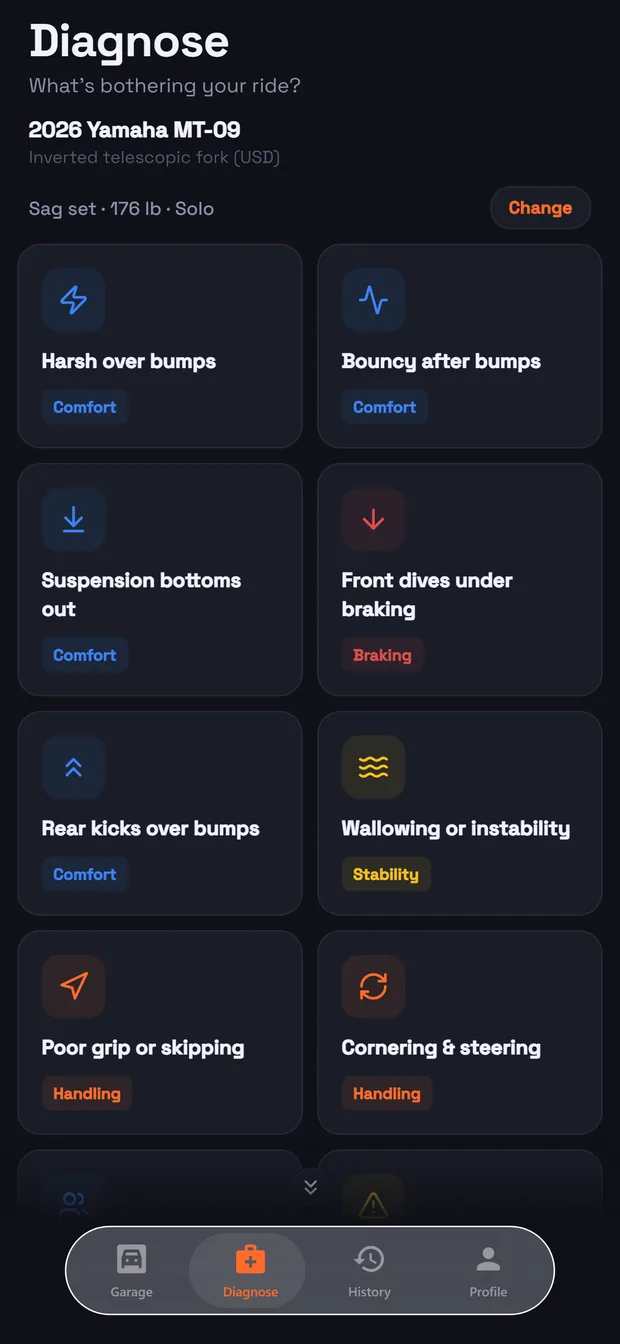
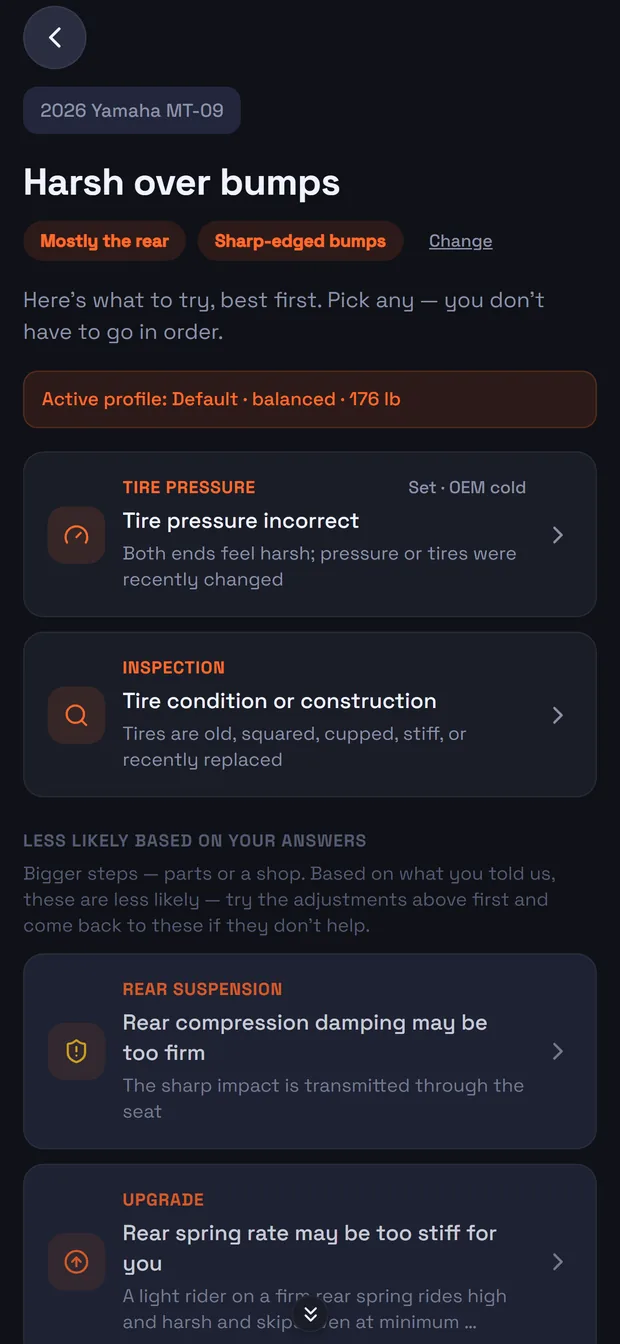
You do not have to translate what you felt into suspension language before you start. Harsh over bumps, wallowing, bottoming, the rear kicking, a shake through the bars, running wide in a corner. Plain words, nothing measured first.
Then one or two short follow-ups, usually which end you feel it at and what the road was doing. Each answer removes whole families of causes rather than nudging a score, which is what keeps the answer short instead of giving you a list of everything.
Skipping a question is a real answer. It widens the list a little and costs you nothing else. A guess would be worse, because the engine would reason confidently from something that never happened.
How a diagnosis is built
The causes come back ranked, each one saying what to change, which way, and what you should feel afterwards. Riders reasonably ask how it knew, so here is the honest answer.
It is a rule set, hand written from suspension engineering and from what tuners publish, not a model that guessed from data. Every symptom has an ordered list of causes behind it. Your answers cut that list down, your bike decides which of the survivors are even possible, and your load and riding style decide the order of what is left. Nothing is recommended for an adjuster your bike does not have.
Setup, or the way you rode it
Some of what a motorcycle does is the rider, and a sharp input can make a wheel skip on a bike that is set up perfectly well. So technique appears as its own kind of card, offered alongside the mechanical causes and never instead of them. It is information, not a telling off, and it never outranks a fault in the bike.
The same goes the other way. If a card says go and look at something rather than adjust it, that is the important card on the list. And when nothing rider adjustable is left, the app says so and points you at a specialist instead of inventing another click to try.
You do not have to work down the list in order. Start with whatever is easiest or free. The ranking is what is most likely, not a queue you have to join.
One change, one ride
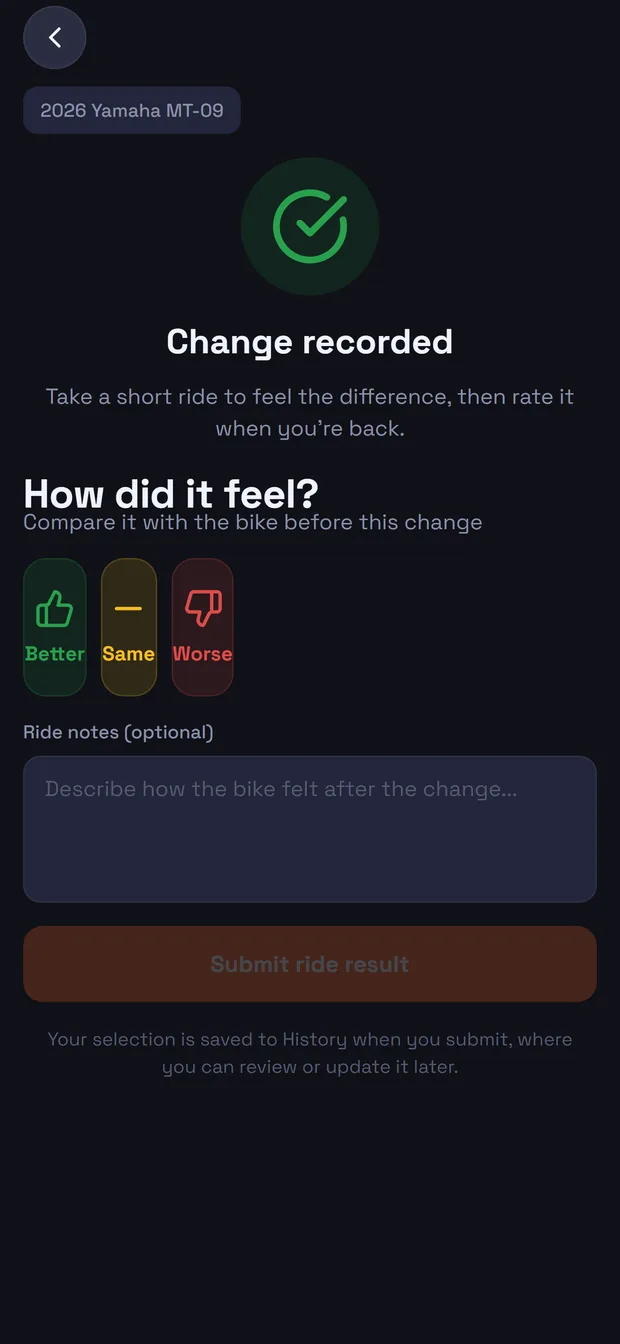
Make one change, then go and ride it. The same roads if you can, because what you are comparing against is the bike as it was twenty minutes ago. Two changes and one ride tells you nothing about which of them did what.
Then answer the only question that matters:
Better
Keep going that way, or lock it in and stop.
Same
Probably not the cause. It is set aside and you get the next most likely.
Worse
Wrong direction, which is genuinely useful. Put it back, then try the opposite.
Worse is not a wasted ride. A change that made things worse is evidence about what is actually wrong, and the ranking of everything left over moves because of it. Record it honestly rather than quietly undoing it.
All of it is kept per bike, with the load and the rider it was for. That record is what makes the app worth having after the first fix: next spring, or on your next bike, you are not starting from nothing.
Where Ride Lab fits
A diagnosis starts from what you felt. Ride Lab starts from what the bike did. It records a ride using the sensors already in your phone and reports how the machine behaved, which is a different question and a useful one when a change is subtle, when two setups feel about the same, or when you want to know whether the road or the bike was responsible for a rough stretch.
The two stay in their lanes on purpose. Ride Lab reports, it does not prescribe. It will tell you that chassis damping is on the firm side, or that grip margin was ample; it will not tell you to turn anything. Turning a symptom into an adjustment is the diagnosis side of the app, and that is where it stays.
It is also worth knowing what one ride is worth. One ride is an indicator, and a real measurement of a real road on a real day. Several rides over the same road are a figure. The Ride Lab guide explains the rest →
Everything is worked out on the phone. A report leaves your phone only when you choose to share it.